01the layer
Wingman OS
Our operational platform, adapted to your business. AI agents, tasks, approvals and reporting connect to the systems your team already uses.
- Supervision
- human-in-loop
- Surface
- web · telegram
We implement technology and our own AI systems for manufacturers and mid-sized to large businesses. Your people, data and existing systems come together in an operational layer built around how your business works.
We map your operations, adapt our AI systems, connect your existing tools and bring the workflows into everyday use with your team.
Our operational platform, adapted to your business. AI agents, tasks, approvals and reporting connect to the systems your team already uses.
Order intake from email, PDF and WhatsApp. Supplier replies read and matched. Shift reports written. Not a chatbot. A coworker that picks up the task and finishes it.
ERP, CRM, WhatsApp, sheets and portals finally talking to each other. No rip-and-replace, no lock-in, no second source of truth.
The team's interface to its business OS: operational web apps, portals and dashboards connected to real processes, data and permissions.
Choose a familiar process. Follow the information from the first request to the action in your system.
A supplier sends an order by email or PDF.
Match items and quantities. Flag missing details for your team.
Write the approved order into the ERP and send confirmation.
Your team approves exceptions before any write-back.
Start with the tools you already use. We check the available connections and permissions, then define where every piece of information belongs.
Anything with an API, a mailbox or a file drop can be wired in. If it has none of those, we say so before you commit.
A supplier order arriving by email, traced end to end. The counts below describe these two diagrams, not a client result. What changes for you depends on your process, and we measure it in the pilot.
Bring us a single broken workflow. We trace it end-to-end and find where the hours leak.
In days, not quarters. A working automation on your real data, in your real stack.
Keep what measurably works, kill what doesn't, then widen it across the team.
If it needs babysitting, it isn't done. You own a system that runs on its own.
We prove value on your data before you commit. The pilot is the pitch.
Machines carry the load; the control room always has a person in it.
Your tools, your data, your ownership. No rip-and-replace, no lock-in.
Clear permissions, documentation and a system your team can supervise.
WSOL develops AI systems and implements technology for manufacturers and mid-sized to large businesses. We start with the way the business works: its people, information, decisions and existing systems.
We connect these into a business-specific operational OS, with Wingman, automation and integrations. Implementation includes process mapping, development, configuration, team onboarding and ongoing improvement. Web apps are one way people use the system; the value is in the work it supports.
From production and deliveries to customer management: selected systems and integrations built around real business processes. Each project is presented within its documented scope.
All work →Internal portfolio draft — new material is pending publication approval.
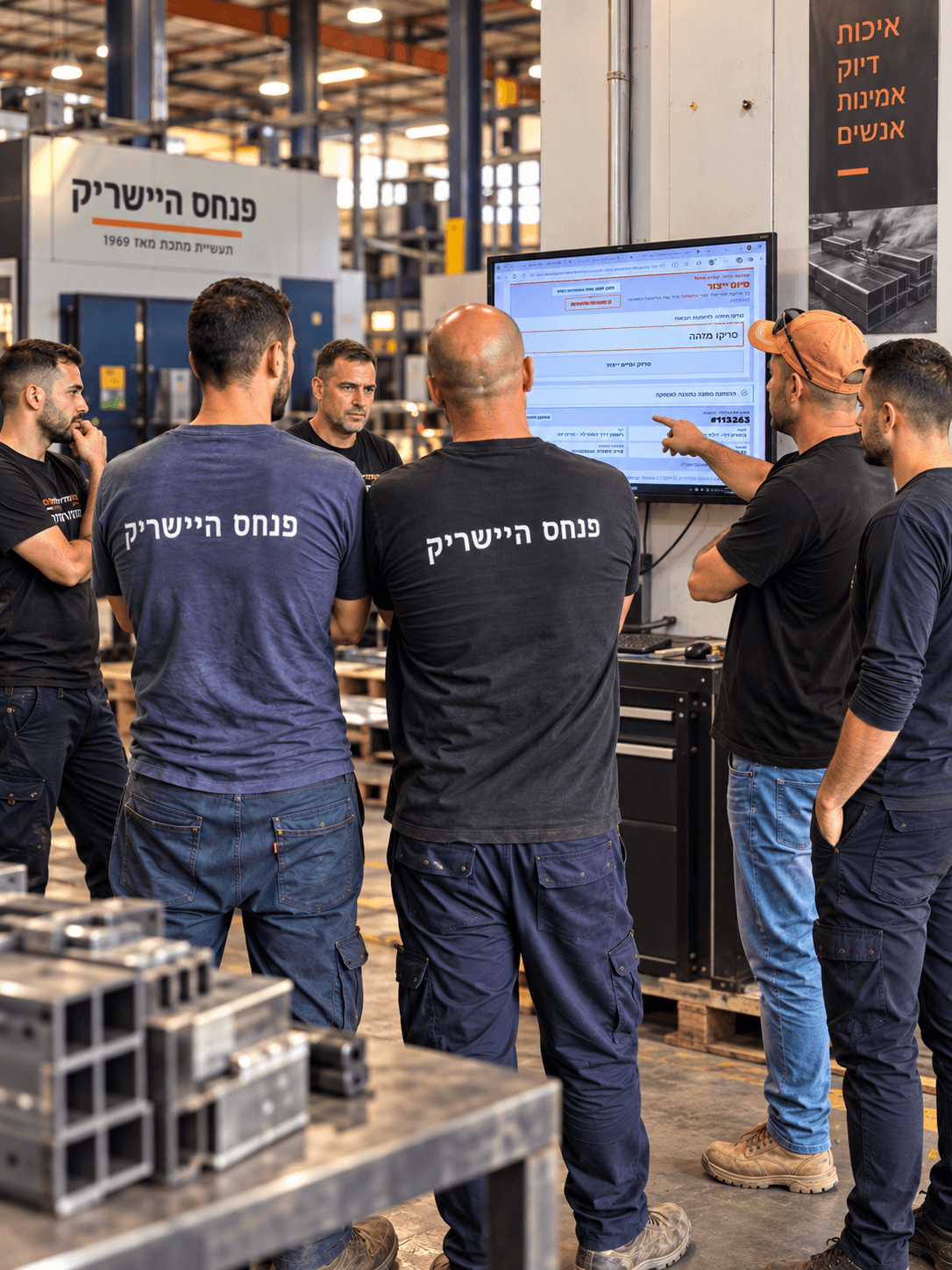
01 / On the factory floor
Pinhas Hisherik
An order and delivery tracking system connecting production-completion scans to order information in Hashavshevet.
The team scans an order when production is complete.
The system pulls the order information from Hashavshevet.
Deliveries are automatically grouped by destination region.
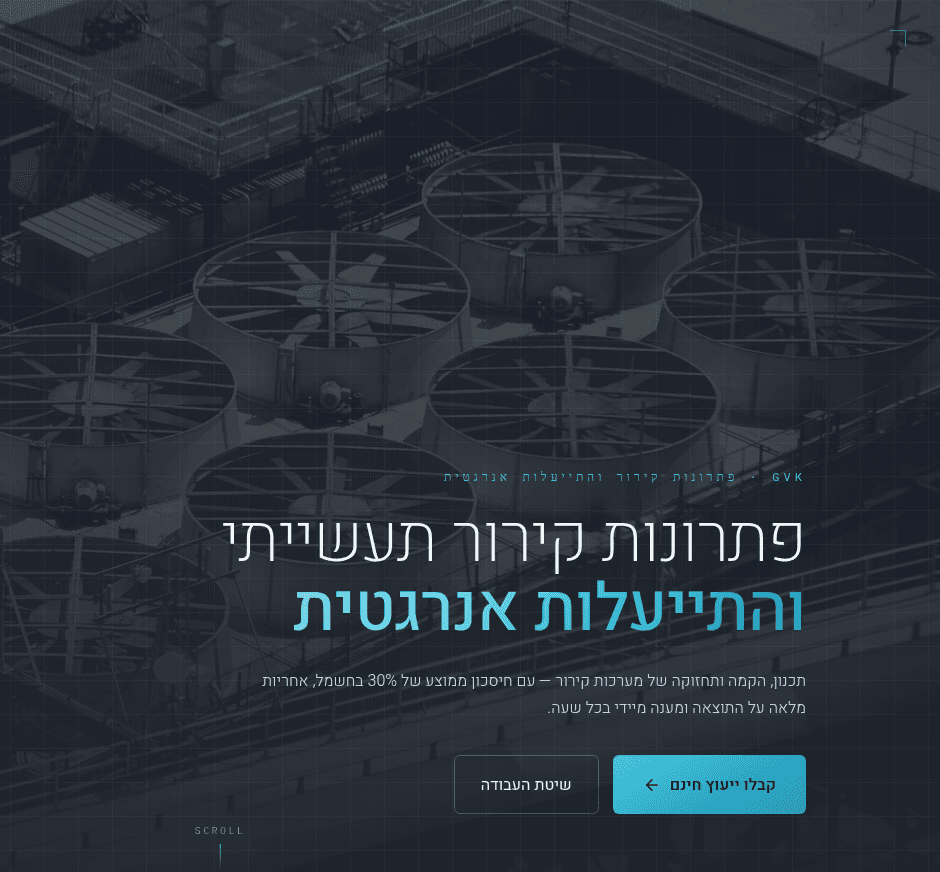
A Hebrew–English website with separate journeys for commercial enquiries and service requests.
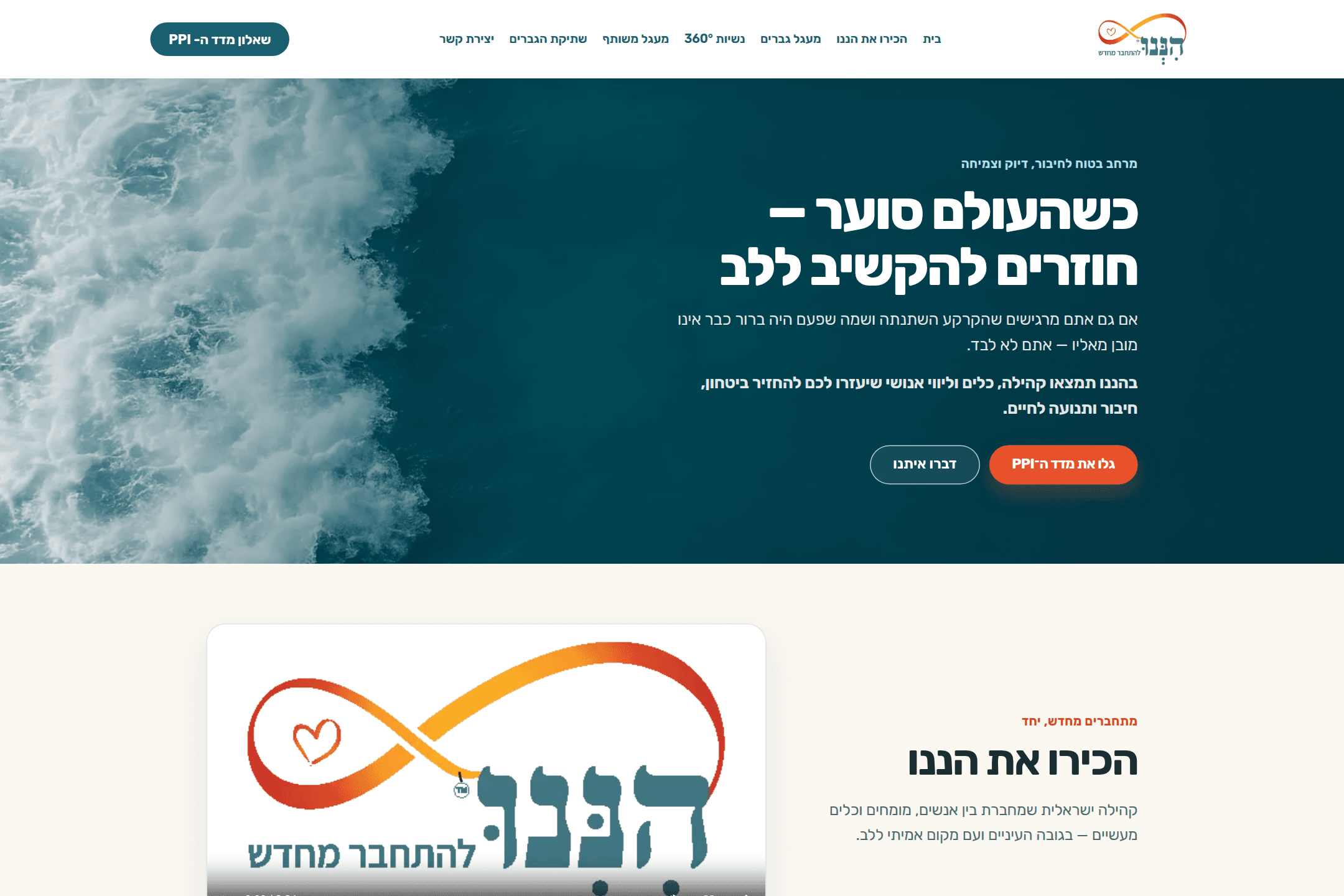
Website design and development connecting Hebrew navigation, enquiry journeys and the PPI questionnaire entry point.

Development and maintenance of a yacht website with project galleries, specifications and an online brochure.
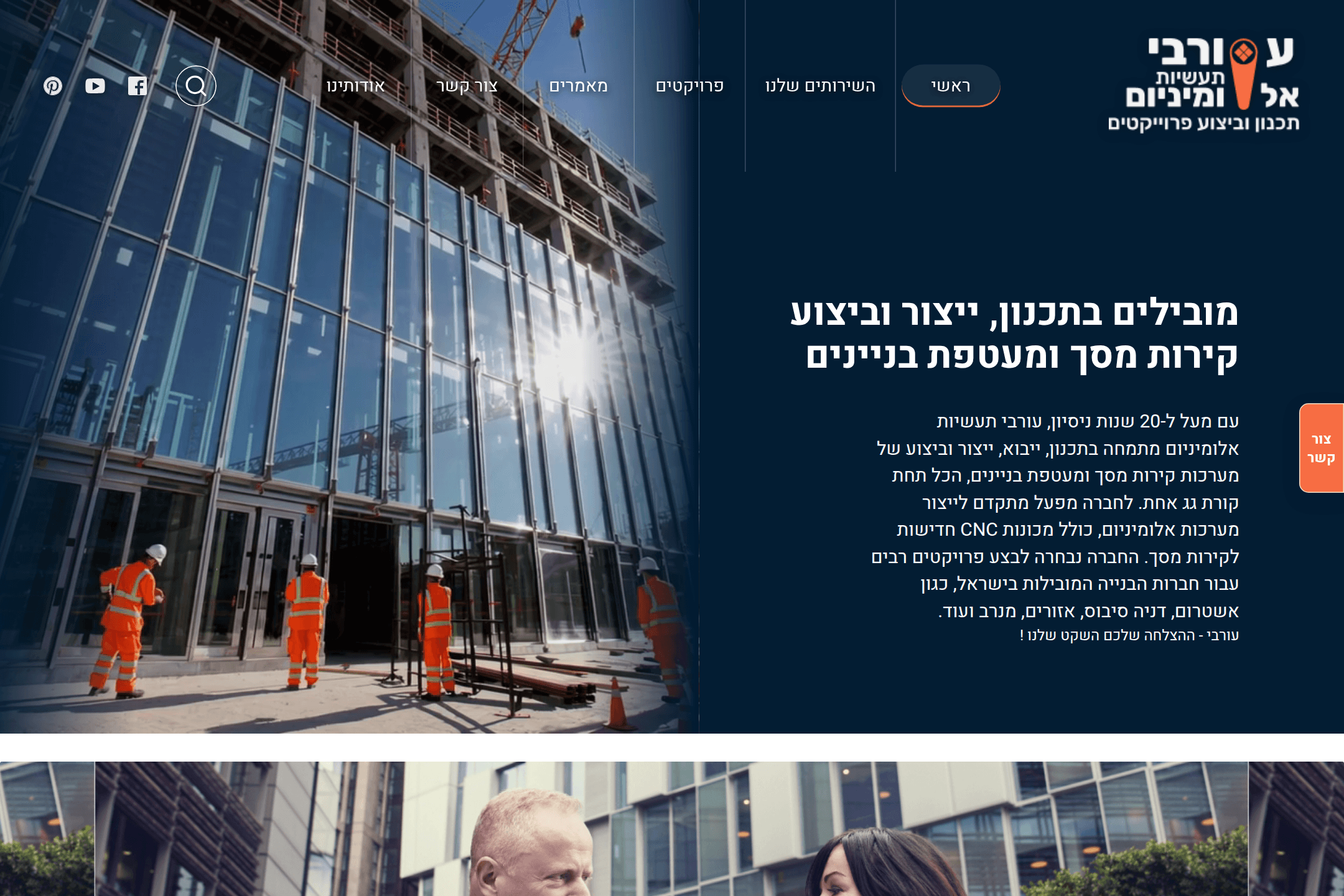
A WordPress website for an aluminium business, bringing together services, projects and professional content.
Tell us what repeats, what slows you down and what you want to improve. We’ll explore a practical first step together.